
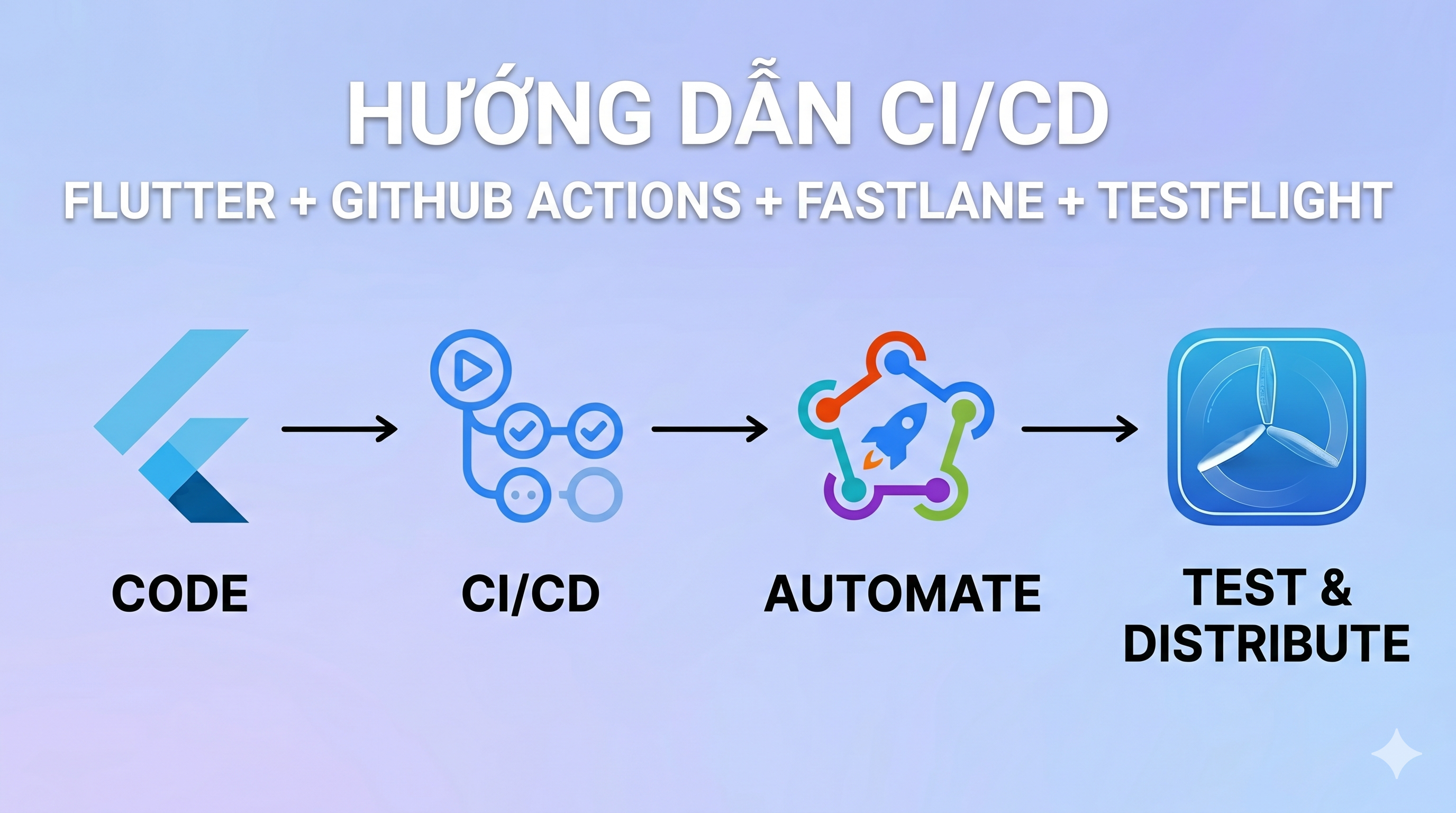
Cấu hình CI/CD cho iOS thường khá phức tạp do việc quản lý certificate và provisioning profile của Apple. Bài viết này sẽ hướng dẫn bạn từng bước cách sử dụng Fastlane Match và GitHub Actions để tự động hóa quá trình phát hành ứng dụng Flutter lên iOS.
Bước 1: Tạo App Store Connect API Key
Để GitHub Actions có thể giao tiếp bảo mật với Apple, bạn cần tạo API Key.
1.1 Tạo API Key
- Vào appstoreconnect.apple.com → Users and Access → tab Integrations → App Store Connect API.
- Click Generate API Key.
- Đặt tên:
Fastlane CI - Access: chọn
Admin - Click Generate → Download API Key ngay lập tức (bạn sẽ nhận được file
AuthKey_XXXXXXXXXX.p8). - Quan trọng: Copy và lưu lại 3 thông tin: Key ID, Issuer ID, và nội dung file
.p8.
1.2 Đưa API Key vào GitHub Secrets
Lấy nội dung file .p8 của bạn:
cat ~/Downloads/AuthKey_XXXXXXXXXX.p8Vào GitHub repo của dự án → Settings → Secrets and variables → Actions → New repository secret, thêm 3 biến sau:
| Secret name | Giá trị |
|---|---|
ASC_KEY_ID | Key ID (VD: ABC123XYZ) |
ASC_ISSUER_ID | Issuer ID (định dạng UUID) |
ASC_PRIVATE_KEY | Toàn bộ nội dung file .p8 kể cả dòng -----BEGIN PRIVATE KEY----- |
Bước 2: Cài đặt Fastlane Match
2.1 Tạo private repo chứa certificates
Trên GitHub, tạo một repo mới (VD: your-org/ios-certificates). Bắt buộc set ở chế độ Private và không cần init file README.
2.2 Khởi tạo Match trên máy local
# Cài Fastlane nếu chưa cóbrew install fastlane
# Vào thư mục projectcd your-project/ios
# Init Fastlane (nếu chưa có)fastlane init
# Init Matchfastlane match initKhi được hỏi về chế độ lưu trữ (storage mode), chọn git (1) và nhập URL của repo vừa tạo: https://github.com/your-org/ios-certificates.
2.3 Tạo certificates và provisioning profiles
# Tạo App Store distribution certificate + provisioning profilefastlane match appstore
# (Tuỳ chọn) Nếu cần Development profilefastlane match developmentMatch sẽ yêu cầu nhập Match password — đây là passphrase để mã hóa certificates của bạn. Hãy lưu lại cẩn thận vì CI sẽ cần dùng nó.
2.4 Thêm các secrets còn lại vào GitHub
| Secret name | Giá trị |
|---|---|
MATCH_GIT_URL | https://YOUR_GIT_PERSONAL_ACCESS_TOKEN@github.com/your-org/ios-certificates |
MATCH_PASSWORD | Passphrase bạn vừa đặt lúc chạy match |
APP_IDENTIFIER | Bundle ID của bạn (VD: com.minixium.zipgame) |
APPLE_ID | Email tài khoản Apple Developer |
APPLE_TEAM_ID | Team ID — lấy từ Developer Account → Membership |
FASTLANE_APPLE_APPLICATION_SPECIFIC_PASSWORD | Tạo từ appleid.apple.com |
MATCH_GIT_BASIC_AUTH | Git_User_Name:Personal_Access_Token |
Bước 3: Cấu hình Files trong dự án
Tạo hoặc cập nhật các file sau trong thư mục dự án của bạn.
ios/fastlane/Matchfile
git_url(ENV["MATCH_GIT_URL"])git_basic_authorization(Base64.strict_encode64(ENV["MATCH_GIT_BASIC_AUTH"]))storage_mode("git")app_identifier(ENV["APP_IDENTIFIER"])username(ENV["APPLE_ID"])ios/fastlane/Appfile
app_identifier(ENV["APP_IDENTIFIER"])apple_id(ENV["APPLE_ID"])team_id(ENV["APPLE_TEAM_ID"])ios/fastlane/Fastfile
default_platform(:ios)
require 'tmpdir'
platform :ios do lane :beta do is_ci = !!ENV["CI"] api_key = nil
# Chỉ khởi tạo API Key nếu có đủ biến môi trường (Dùng file tạm để tránh lỗi) if ENV["ASC_KEY_ID"] && ENV["ASC_ISSUER_ID"] && ENV["ASC_PRIVATE_KEY"] key_path = File.join(Dir.tmpdir, "auth_key.p8") File.write(key_path, ENV["ASC_PRIVATE_KEY"].to_s.gsub(/\n/, "\n").gsub('\n', "\n"))
api_key = app_store_connect_api_key( key_id: ENV["ASC_KEY_ID"], issuer_id: ENV["ASC_ISSUER_ID"], key_filepath: key_path ) end
setup_ci if is_ci
build_number = latest_testflight_build_number( api_key: api_key, app_identifier: ENV["APP_IDENTIFIER"] ) + 1
match(type: "appstore", readonly: is_ci, clone_branch_directly: true, api_key: api_key) match(type: "development", readonly: is_ci, clone_branch_directly: true, api_key: api_key)
# Build Flutter với build_number mới Bundler.with_unbundled_env do sh("cd ../.. && flutter build ipa --release \ --build-number=#{build_number} \ --export-options-plist=ios/ExportOptions.plist") end
# Tìm file IPA flutter_root = File.expand_path("../..", Dir.pwd) ipa_path = Dir.glob("#{flutter_root}/build/ios/ipa/*.ipa").first
UI.important("=========================================") UI.important("👉 Thư mục gốc dự án: #{flutter_root}") UI.important("👉 Đường dẫn file IPA: #{ipa_path.inspect}") UI.important("=========================================")
if ipa_path pilot( ipa: ipa_path, skip_waiting_for_build_processing: true, api_key: api_key ) else UI.user_error!("Không tìm thấy file .ipa nào trong thư mục #{flutter_root}/build/ios/ipa/") end endendios/Gemfile
source "[https://rubygems.org](https://rubygems.org)"
gem "fastlane"gem "fastlane-plugin-firebase_app_distribution"gem "cocoapods"gem "xcodeproj"ios/ExportOptions.plist
<?xml version="1.0" encoding="UTF-8"?><!DOCTYPE plist PUBLIC "-//Apple//DTD PLIST 1.0//EN" "[http://www.apple.com/DTDs/PropertyList-1.0.dtd](http://www.apple.com/DTDs/PropertyList-1.0.dtd)"><plist version="1.0"><dict> <key>method</key> <string>app-store</string> <key>teamID</key> <string>YOUR_TEAM_ID</string> <key>signingStyle</key> <string>manual</string> <key>provisioningProfiles</key> <dict> <key>YOUR_APP_BUNDLE_ID</key> <string>match AppStore YOUR_APP_BUNDLE_ID</string> </dict></dict></plist>.github/workflows/ios.yml
name: iOS CI/CD
on: push: branches: [main] workflow_dispatch: inputs: lane: description: "Lane to run" required: true default: beta type: choice options: [beta, release]
jobs: deploy: runs-on: macos-15
steps: - name: Checkout code uses: actions/checkout@v4 - name: Setup Xcode uses: maxim-lobanov/setup-xcode@v1 with: xcode-version: 'latest-stable' - name: Set up Flutter uses: subosito/flutter-action@v2 with: channel: stable cache: true - name: Install Flutter dependencies run: flutter pub get - name: Set up Ruby uses: ruby/setup-ruby@v1 with: ruby-version: "3.2" bundler-cache: true working-directory: ios - name: Cache CocoaPods uses: actions/cache@v4 with: path: ios/Pods key: pods-v5-${{ hashFiles('ios/Podfile.lock') }} restore-keys: pods-v5- - name: Install dependency gems run: gem install xcodeproj - name: Install CocoaPods run: | cd ios pod install --repo-update - name: Run Fastlane working-directory: ios run: bundle exec fastlane ios ${{ github.event.inputs.lane || 'beta' }} env: APP_IDENTIFIER: ${{ secrets.APP_IDENTIFIER }} APPLE_ID: ${{ secrets.APPLE_ID }} APPLE_TEAM_ID: ${{ secrets.APPLE_TEAM_ID }} ASC_KEY_ID: ${{ secrets.ASC_KEY_ID }} ASC_ISSUER_ID: ${{ secrets.ASC_ISSUER_ID }} ASC_PRIVATE_KEY: ${{ secrets.ASC_PRIVATE_KEY }} SPACESHIP_CONNECT_API_KEY_ID: ${{ secrets.ASC_KEY_ID }} SPACESHIP_CONNECT_API_ISSUER_ID: ${{ secrets.ASC_ISSUER_ID }} SPACESHIP_CONNECT_API_KEY_CONTENT: ${{ secrets.ASC_PRIVATE_KEY }} MATCH_GIT_URL: ${{ secrets.MATCH_GIT_URL }} MATCH_PASSWORD: ${{ secrets.MATCH_PASSWORD }} MATCH_GIT_BASIC_AUTH: ${{ secrets.MATCH_GIT_BASIC_AUTH }}Bước 4: Chạy test và Validate Local
4.1 Setup trong Xcode
- Mở Xcode ->
Runner-> TargetRunner-> Tab Signing & Capabilities - Bỏ tích “Automatically manage signing”
- Sửa Bundle Identifier cho đúng với ứng dụng
- Chọn Provisioning Name có dạng
match AppStore com.your.app
4.2 Test Flutter build iOS trước
Trước khi chạy Fastlane, hãy đảm bảo Flutter có thể build bản phát hành thành công:
flutter build ipa --release --export-options-plist=ios/ExportOptions.plistLưu ý: Nếu bước này lỗi, hãy fix các vấn đề liên quan đến Flutter/Signing trước khi tiếp tục với Fastlane.
4.3 Test Match sync certificates
Tạo file .env.local trong thư mục ios (NHỚ add file này vào .gitignore):
APP_IDENTIFIER=com.yourcompany.yourappAPPLE_ID=your@email.comAPPLE_TEAM_ID=ABCD1234EFMATCH_GIT_URL=[https://ghp_yourtoken@github.com/your-org/ios-certificates](https://ghp_yourtoken@github.com/your-org/ios-certificates)MATCH_PASSWORD=your-match-passwordMATCH_GIT_BASIC_AUTH=yourusername:ghp_yourtokenASC_KEY_ID=XXXXXXXXXXASC_ISSUER_ID=xxxxxxxx-xxxx-xxxx-xxxx-xxxxxxxxxxxxASC_PRIVATE_KEY="-----BEGIN PRIVATE KEY-----\nXXXXX\n-----END PRIVATE KEY-----"Chạy thử Match local:
cd iosbundle exec fastlane match appstore --env localKết quả thành công sẽ thấy dòng chữ: [✔] All required keys, certificates and provisioning profiles are installed 🙌
Xử Lý Các Lỗi Phổ Biến
- **`invalid curve name`**: Lỗi này xuất hiện do format của file `.p8` bị sai lệch khi lấy từ biến môi trường. Hãy kiểm tra lại logic lưu `.p8` vào file tạm trong cấu hình `Fastfile`.- **`Your bundle only supports platforms ["arm64-darwin-24"]...`**: Chạy lệnh `bundle lock --add-platform arm64-darwin-23` sau đó commit/push lại file `Gemfile.lock` lên repo.- **`could not read Password for 'https://***@github.com': terminal prompts disabled`**: Hãy kiểm tra lại `MATCH_GIT_BASIC_AUTH` và `MATCH_GIT_URL`. Lỗi này đồng nghĩa với việc CI không có đủ quyền (permission) để clone repo `ios-certificates`.Advertisement
Advertisement