
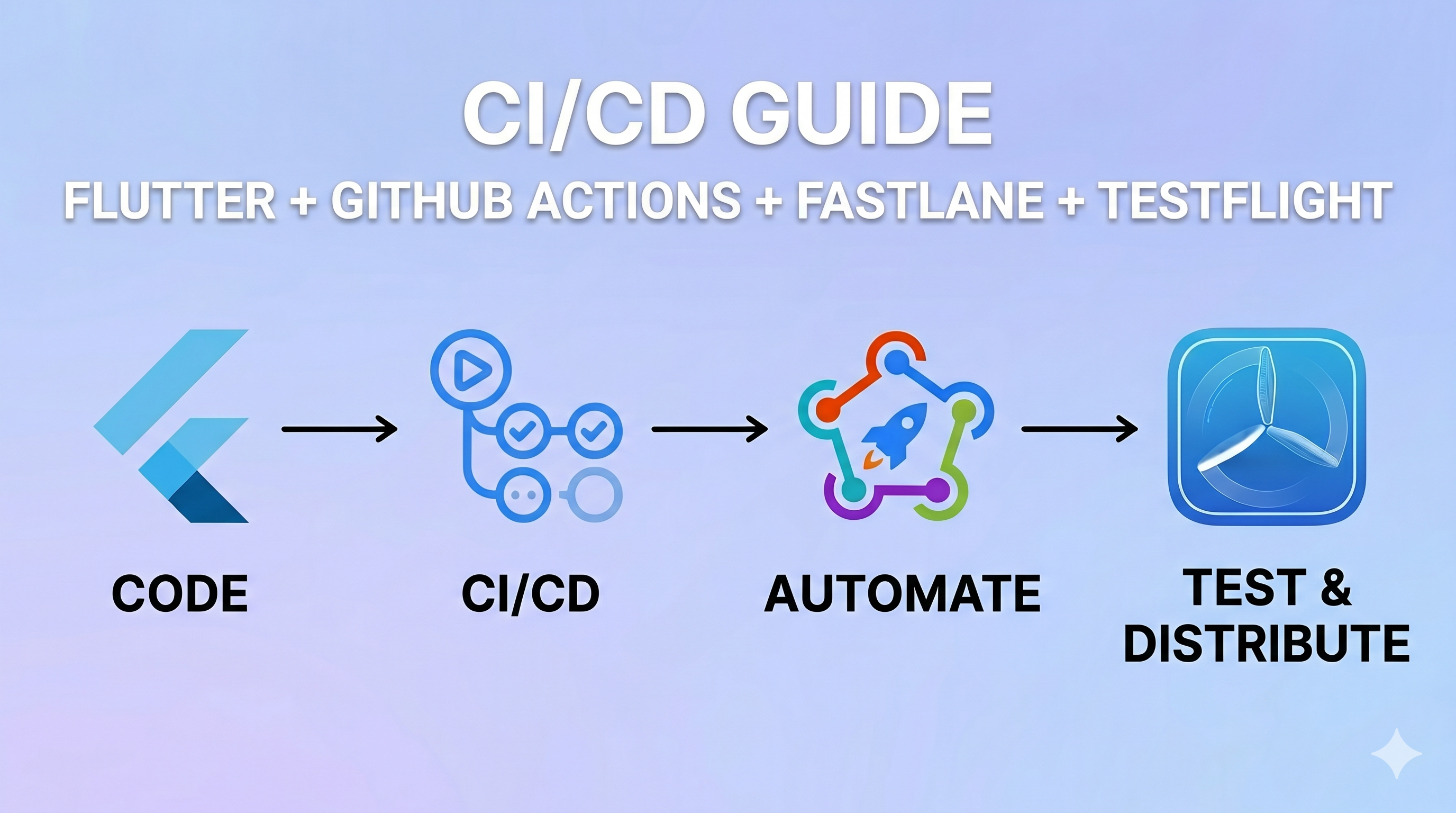
Setting up CI/CD for iOS can be tricky due to Apple’s certificate and provisioning profile management. This tutorial walks you through a complete, robust setup using Fastlane Match and GitHub Actions to automate your Flutter iOS releases.
Step 1: Configure App Store Connect API
To allow GitHub Actions to communicate with Apple securely, you need an App Store Connect API Key.
1.1 Generate the API Key
- Go to App Store Connect → Users and Access → Integrations tab → App Store Connect API.
- Click Generate API Key.
- Name:
Fastlane CI(or similar). - Access: Choose
Admin. - Click Generate, then immediately click Download API Key (this gives you a file named
AuthKey_XXXXXXXXXX.p8). - Important: Copy and securely save the Key ID, Issuer ID, and the content of the
.p8file.
1.2 Add API Key to GitHub Secrets
Extract the contents of your .p8 file:
cat ~/Downloads/AuthKey_XXXXXXXXXX.p8Navigate to your GitHub repository → Settings → Secrets and variables → Actions → New repository secret, and add the following:
| Secret Name | Value |
|---|---|
ASC_KEY_ID | Your Key ID (e.g., ABC123XYZ) |
ASC_ISSUER_ID | Your Issuer ID (a UUID format) |
ASC_PRIVATE_KEY | The full .p8 file content, including -----BEGIN PRIVATE KEY----- |
Step 2: Set up Fastlane Match for Code Signing
Fastlane Match syncs your certificates and profiles across your team and CI environment using a private Git repository.
2.1 Create a Certificates Repository
Create a new, private repository on GitHub to store your certificates (e.g., your-org/ios-certificates). Do not initialize it with a README.
2.2 Initialize Match Locally
Run the following commands in your project’s root:
# Install Fastlane if you haven't alreadybrew install fastlane
# Navigate to your project's iOS foldercd your-project/ios
# Initialize Fastlane (if not already done)fastlane init
# Initialize Matchfastlane match initWhen prompted for the storage mode, select git (1) and provide the URL of the repository you just created: https://github.com/your-org/ios-certificates.
2.3 Generate Certificates and Profiles
# Generate App Store distribution certificate + provisioning profilefastlane match appstore
# (Optional) Generate Development profilefastlane match developmentMatch will ask for a Match Password. This is the passphrase used to encrypt your certificates. Save this carefully, as your CI will need it.
2.4 Add Remaining GitHub Secrets
Add these secrets to your project repository:
| Secret Name | Value |
|---|---|
MATCH_GIT_URL | https://YOUR_GIT_PERSONAL_ACCESS_TOKEN@github.com/your-org/ios-certificates |
MATCH_PASSWORD | The passphrase you set during match init |
APP_IDENTIFIER | Your Bundle ID (e.g., com.minixium.zipgame) |
APPLE_ID | Your Apple Developer account email |
APPLE_TEAM_ID | Your Team ID (found in Developer Account → Membership) |
FASTLANE_APPLE_APPLICATION_SPECIFIC_PASSWORD | Generated from appleid.apple.com |
MATCH_GIT_BASIC_AUTH | Git_User_Name:Personal_Access_Token |
Step 3: Project Configuration Files
Update or create the following files in your project.
ios/fastlane/Matchfile
git_url(ENV["MATCH_GIT_URL"])git_basic_authorization(Base64.strict_encode64(ENV["MATCH_GIT_BASIC_AUTH"]))storage_mode("git")app_identifier(ENV["APP_IDENTIFIER"])username(ENV["APPLE_ID"])ios/fastlane/Appfile
app_identifier(ENV["APP_IDENTIFIER"])apple_id(ENV["APPLE_ID"])team_id(ENV["APPLE_TEAM_ID"])ios/fastlane/Fastfile
default_platform(:ios)
require 'tmpdir'
platform :ios do lane :beta do is_ci = !!ENV["CI"] api_key = nil
# Initialize API Key safely using a temporary file to avoid 'invalid curve name' if ENV["ASC_KEY_ID"] && ENV["ASC_ISSUER_ID"] && ENV["ASC_PRIVATE_KEY"] key_path = File.join(Dir.tmpdir, "auth_key.p8") File.write(key_path, ENV["ASC_PRIVATE_KEY"].to_s.gsub(/\n/, "\n").gsub('\n', "\n"))
api_key = app_store_connect_api_key( key_id: ENV["ASC_KEY_ID"], issuer_id: ENV["ASC_ISSUER_ID"], key_filepath: key_path ) end
setup_ci if is_ci
build_number = latest_testflight_build_number( api_key: api_key, app_identifier: ENV["APP_IDENTIFIER"] ) + 1
match(type: "appstore", readonly: is_ci, clone_branch_directly: true, api_key: api_key) match(type: "development", readonly: is_ci, clone_branch_directly: true, api_key: api_key)
# Build Flutter with the new build number Bundler.with_unbundled_env do sh("cd ../.. && flutter build ipa --release \ --build-number=#{build_number} \ --export-options-plist=ios/ExportOptions.plist") end
# Locate the IPA file flutter_root = File.expand_path("../..", Dir.pwd) ipa_path = Dir.glob("#{flutter_root}/build/ios/ipa/*.ipa").first
UI.important("=========================================") UI.important("👉 Project Root: #{flutter_root}") UI.important("👉 Absolute IPA Path: #{ipa_path.inspect}") UI.important("=========================================")
if ipa_path pilot( ipa: ipa_path, skip_waiting_for_build_processing: true, api_key: api_key ) else UI.user_error!("No .ipa file found in #{flutter_root}/build/ios/ipa/") end endendios/Gemfile
source "[https://rubygems.org](https://rubygems.org)"
gem "fastlane"gem "fastlane-plugin-firebase_app_distribution"gem "cocoapods"gem "xcodeproj"ios/ExportOptions.plist
<?xml version="1.0" encoding="UTF-8"?><!DOCTYPE plist PUBLIC "-//Apple//DTD PLIST 1.0//EN" "[http://www.apple.com/DTDs/PropertyList-1.0.dtd](http://www.apple.com/DTDs/PropertyList-1.0.dtd)"><plist version="1.0"><dict> <key>method</key> <string>app-store</string> <key>teamID</key> <string>YOUR_TEAM_ID</string> <key>signingStyle</key> <string>manual</string> <key>provisioningProfiles</key> <dict> <key>YOUR_APP_BUNDLE_ID</key> <string>match AppStore YOUR_APP_BUNDLE_ID</string> </dict></dict></plist>.github/workflows/ios.yml
name: iOS CI/CD
on: push: branches: [main] workflow_dispatch: inputs: lane: description: "Lane to run" required: true default: beta type: choice options: [beta, release]
jobs: deploy: runs-on: macos-15
steps: - name: Checkout code uses: actions/checkout@v4 - name: Setup Xcode uses: maxim-lobanov/setup-xcode@v1 with: xcode-version: 'latest-stable' - name: Set up Flutter uses: subosito/flutter-action@v2 with: channel: stable cache: true - name: Install Flutter dependencies run: flutter pub get - name: Set up Ruby uses: ruby/setup-ruby@v1 with: ruby-version: "3.2" bundler-cache: true working-directory: ios - name: Cache CocoaPods uses: actions/cache@v4 with: path: ios/Pods key: pods-v5-${{ hashFiles('ios/Podfile.lock') }} restore-keys: pods-v5- - name: Install dependency gems run: gem install xcodeproj - name: Install CocoaPods run: | cd ios pod install --repo-update - name: Run Fastlane working-directory: ios run: bundle exec fastlane ios ${{ github.event.inputs.lane || 'beta' }} env: APP_IDENTIFIER: ${{ secrets.APP_IDENTIFIER }} APPLE_ID: ${{ secrets.APPLE_ID }} APPLE_TEAM_ID: ${{ secrets.APPLE_TEAM_ID }} ASC_KEY_ID: ${{ secrets.ASC_KEY_ID }} ASC_ISSUER_ID: ${{ secrets.ASC_ISSUER_ID }} ASC_PRIVATE_KEY: ${{ secrets.ASC_PRIVATE_KEY }} SPACESHIP_CONNECT_API_KEY_ID: ${{ secrets.ASC_KEY_ID }} SPACESHIP_CONNECT_API_ISSUER_ID: ${{ secrets.ASC_ISSUER_ID }} SPACESHIP_CONNECT_API_KEY_CONTENT: ${{ secrets.ASC_PRIVATE_KEY }} MATCH_GIT_URL: ${{ secrets.MATCH_GIT_URL }} MATCH_PASSWORD: ${{ secrets.MATCH_PASSWORD }} MATCH_GIT_BASIC_AUTH: ${{ secrets.MATCH_GIT_BASIC_AUTH }}Step 4: Local Testing & Validation
4.1 Update Xcode Settings
- Open Xcode ->
Runner-> TargetRunner-> Signing & Capabilities. - Uncheck “Automatically manage signing”.
- Set your Bundle Identifier correctly.
- Ensure the Provisioning Profile name looks like
match AppStore com.your.app.
4.2 Test Flutter iOS Build
Before adding Fastlane to the mix, make sure standard compilation works:
flutter build ipa --release --export-options-plist=ios/ExportOptions.plistIf this fails, fix your Flutter/signing configuration before proceeding.
4.3 Test Fastlane Match locally
Create a .env.local file inside your ios/ folder (do not commit this file):
APP_IDENTIFIER=com.yourcompany.yourappAPPLE_ID=your@email.comAPPLE_TEAM_ID=ABCD1234EFMATCH_GIT_URL=[https://ghp_yourtoken@github.com/your-org/ios-certificates](https://ghp_yourtoken@github.com/your-org/ios-certificates)MATCH_PASSWORD=your-match-passwordMATCH_GIT_BASIC_AUTH=yourusername:ghp_yourtokenASC_KEY_ID=XXXXXXXXXXASC_ISSUER_ID=xxxxxxxx-xxxx-xxxx-xxxx-xxxxxxxxxxxxASC_PRIVATE_KEY="-----BEGIN PRIVATE KEY-----\nXXXXX\n-----END PRIVATE KEY-----"Run match sync:
cd iosbundle exec fastlane match appstore --env localSuccess output: [✔] All required keys, certificates and provisioning profiles are installed 🙌
Troubleshooting Common Errors
- **`invalid curve name`**: Double-check your `ASC_PRIVATE_KEY`. Ensure the Fastfile format correctly writes the string into the temporary `.p8` file.- **`Your bundle only supports platforms ["arm64-darwin-24"]...`**: Run `bundle lock --add-platform arm64-darwin-23` and push the updated `Gemfile.lock`.- **`could not read Password for 'https://***@github.com': terminal prompts disabled`**: Verify `MATCH_GIT_BASIC_AUTH` and `MATCH_GIT_URL` have the correct Personal Access Token permissions to read your certificates repository.Advertisement
Advertisement